

Connections
Connect MinusX to your databases
MinusX connects to your existing databases to query and analyze data. Connections are configured once and shared across your workspace.
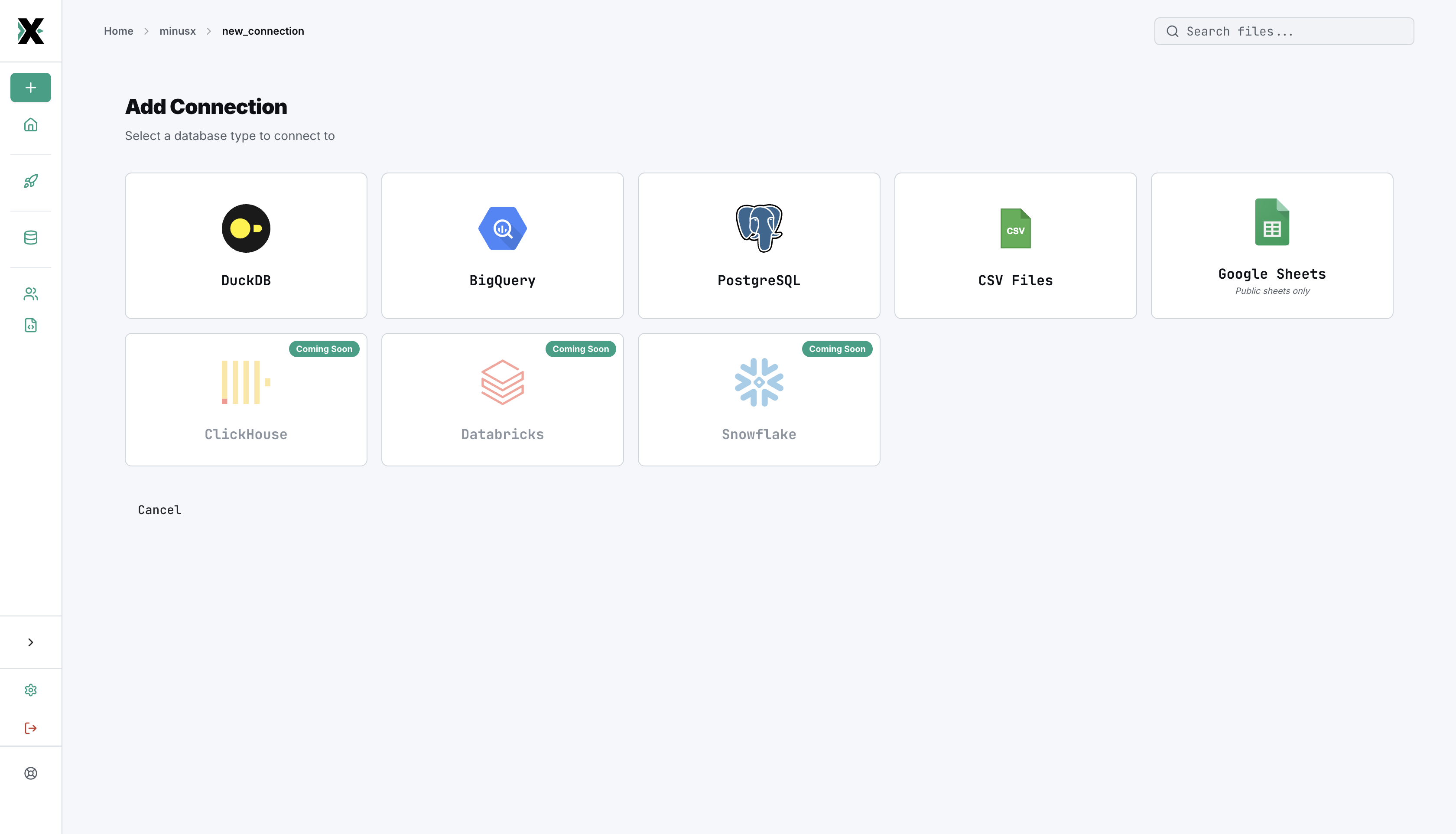
Supported databases
| Database | Type | Notes |
|---|---|---|
| DuckDB | Local file | Default for local development. Fast, embedded analytics. |
| PostgreSQL | Remote | Production databases, data warehouses |
| BigQuery | Cloud | Google Cloud data warehouse |
| CSV Files | File upload | Upload CSV files — automatically converted to a queryable DuckDB database |
| Google Sheets | Cloud | Import public Google Sheets as queryable tables |
Coming soon
| Database | Type |
|---|---|
| ClickHouse | Remote |
| Databricks | Cloud |
| Snowflake | Cloud |
Configuring a connection
- Navigate to Connections in the sidebar
- Click New Connection
- Select your database type
- Enter connection details (host, port, database, credentials)
- Test the connection
- Save
Connection credentials are stored securely in the documents database. For production deployments, use environment variables for sensitive values.
How connections are used
- Questions execute SQL against a specific connection
- Knowledge Base loads schema information from connections for table whitelisting
- AI Agent uses connection schemas to write accurate SQL
Each question is tied to a connection. When you create a new question, it uses the default connection unless you specify otherwise.