

Explore
Full-page AI chat for ad-hoc data exploration
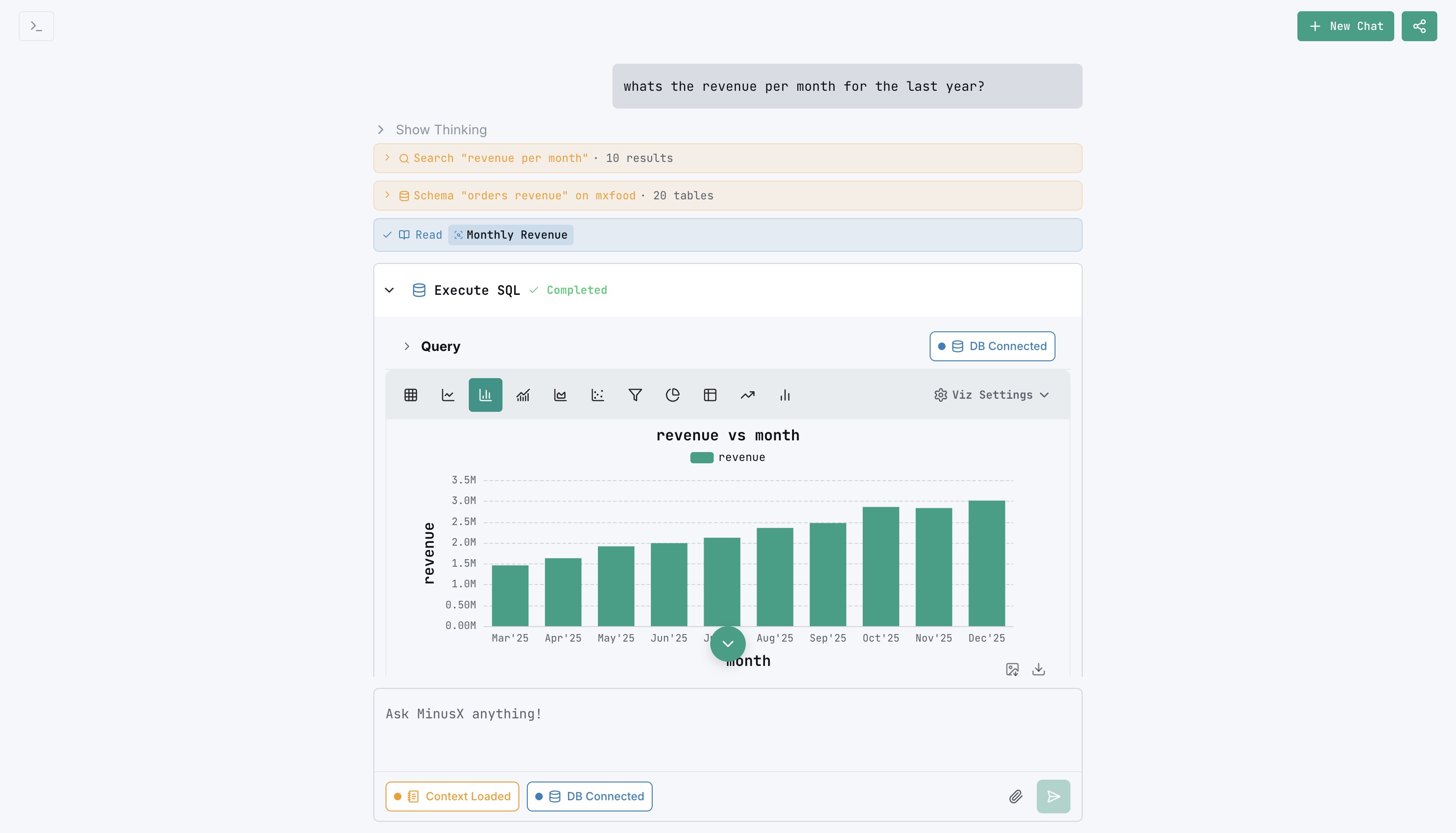
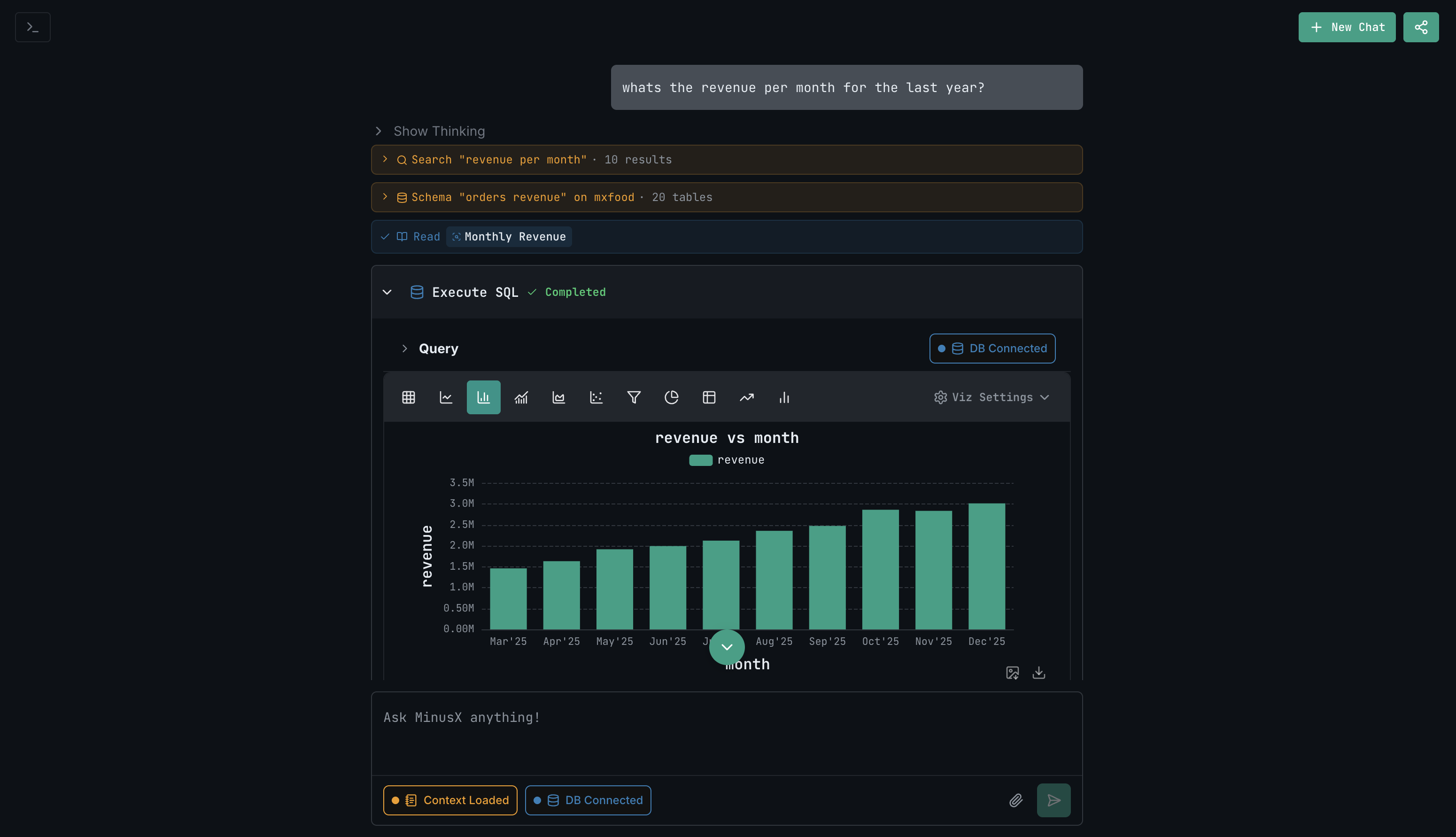
Explore is the fastest way to get answers from your data. Access it from the sidebar or navigate directly to /explore. Ask a question in natural language, and the agent builds and runs the query for you.
How it works
- Open Explore from the sidebar or go to
/explore - Type a question: "What was total revenue last month?"
- The agent builds the query, runs it, and displays results
- Follow up: "Break that down by region" or "Show it as a bar chart"
Each conversation builds on previous context, so you can iterate naturally.
What you can do
- Ask questions — "Who are our top 10 customers?"
- Iterate — "Now filter to just Q1" or "Add a trend line"
- Visualize — "Show this as a pie chart"
- Save — save any result as a question for later or add it to a dashboard
Explore vs Questions
| Explore | Questions | |
|---|---|---|
| Best for | Ad-hoc exploration, quick answers | Saved analyses, dashboard building |
| Interface | Full-page chat | Query editor + visualization |
| Starting point | Natural language | Query (or AI-generated) |
| Persistence | Conversation-based | Saved as documents |
Anything you build in Explore can be saved as a question and added to a dashboard.