

Context
Tell the AI what it needs to know about your data
Context is how you teach MinusX about your data. There are two types: table context (which tables to use) and text context (how to use them).
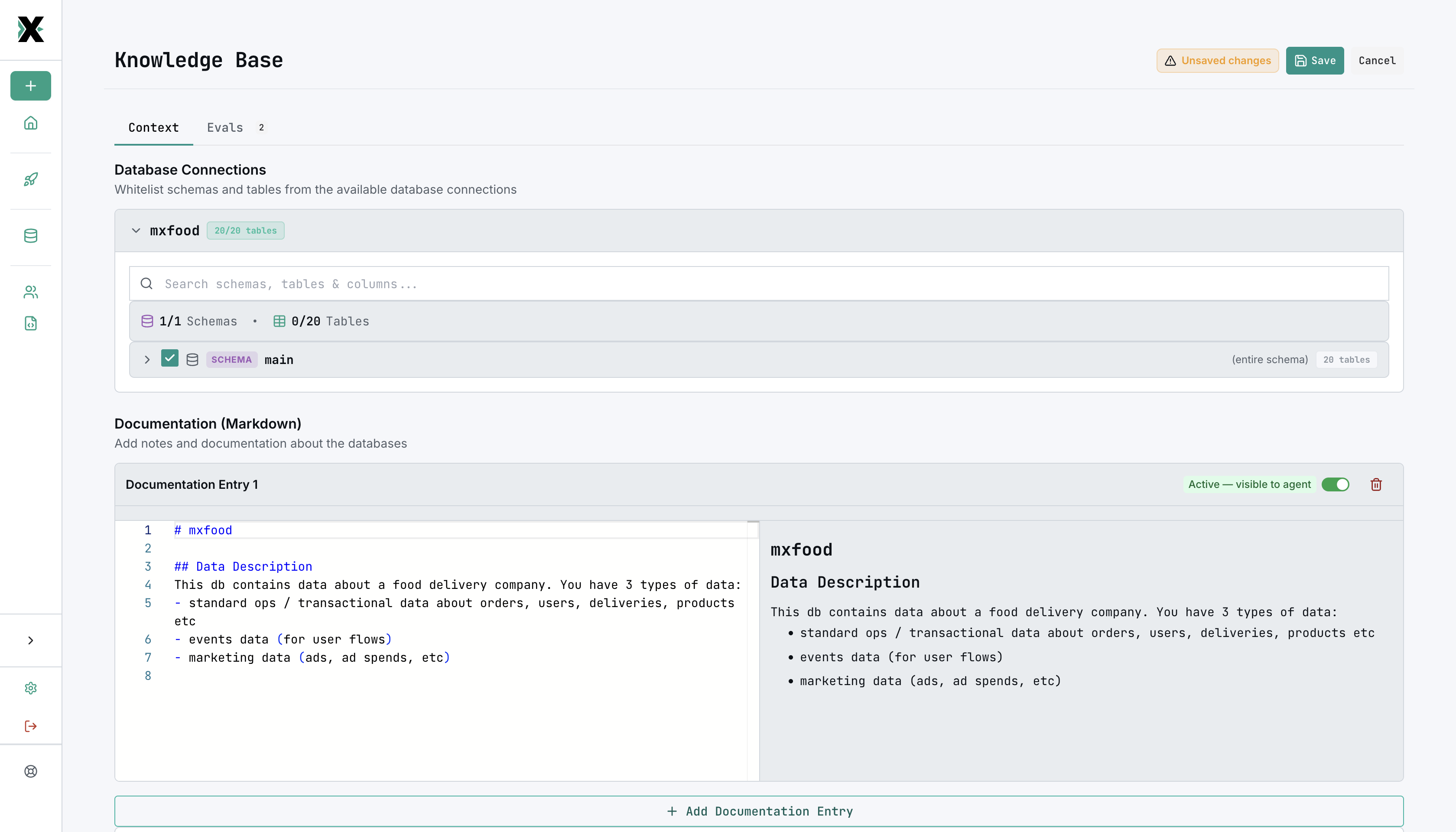
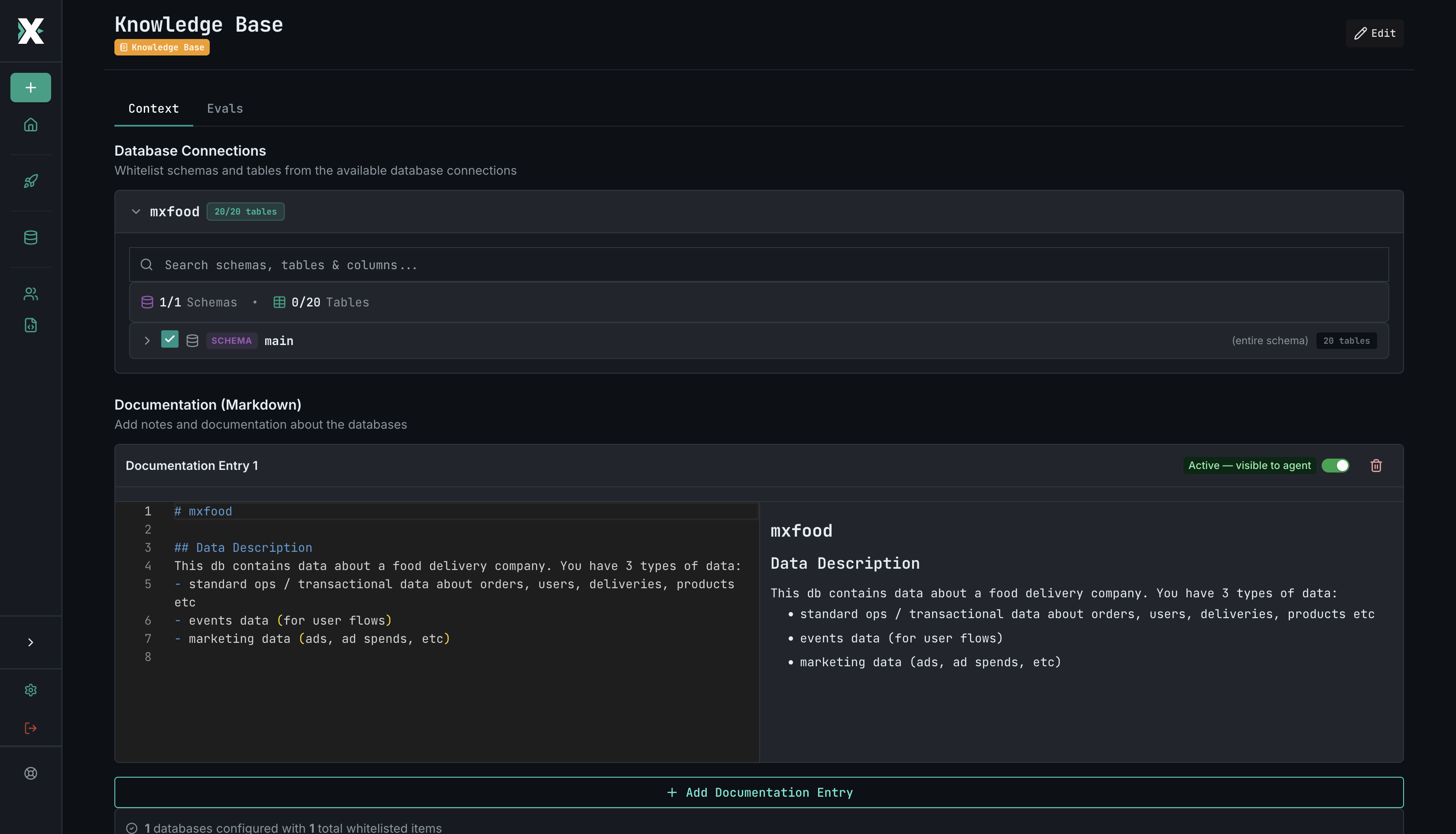
Table Context
Table context lets you whitelist specific database tables and schemas for the AI. Instead of exposing your entire database, you select exactly which tables are relevant.
Why whitelist tables?
Large databases can have hundreds of tables. Without guidance, the AI might:
- Use the wrong table for a query
- Join unrelated tables
- Get confused by similarly named columns
Whitelisting narrows the AI's focus to the tables that matter.
How it works
- Navigate to the Knowledge Base section
- Select a connection to browse its schema
- Check the tables and columns you want the AI to use
- Save your context
Tree-based whitelisting
Contexts are organized as a tree structure that mirrors your organization's hierarchy. Each node in the tree is a context that controls what its children can see.
Org Context (root)
├── whitelists: fact_orders, dim_customers, dim_products, dim_regions
│
├── Sales Team Context
│   ├── sees: fact_orders, dim_customers, dim_regions
│   └── (cannot access dim_products — not granted by parent)
│
└── Product Team Context
    ├── sees: fact_orders, dim_products
    └── (cannot access dim_customers, dim_regions)
Key rules:
- The root context whitelists tables from your connections — only data models can be whitelisted here
- A parent context controls which of its whitelisted tables each child folder can access
- Child contexts can only see tables their parent has granted — they cannot access anything beyond that
- This enables org-wide data governance: every user queries from trusted, governed datasets, and each team sees only what's relevant to them
Text Context
Text context lets you provide free-form documentation that the AI reads before generating queries. This is where you explain what isn't obvious from the schema alone.
What to include
- Metric definitions — "Revenue = SUM(amount) from orders where status = 'completed'"
- Naming conventions — "All date columns use _at suffix and store UTC timestamps"
- Common gotchas — "The users table includes test accounts — filter by is_test = false"
- Relationships — "Each order belongs to a customer via customer_id"
Writing effective context
- Be specific and concrete — give examples
- Focus on things the AI can't infer from column names
- Update context as your data model evolves
- Keep it concise — the AI reads this on every query
Good context is the single most impactful thing you can do for AI accuracy. Start with metric definitions and common gotchas.